









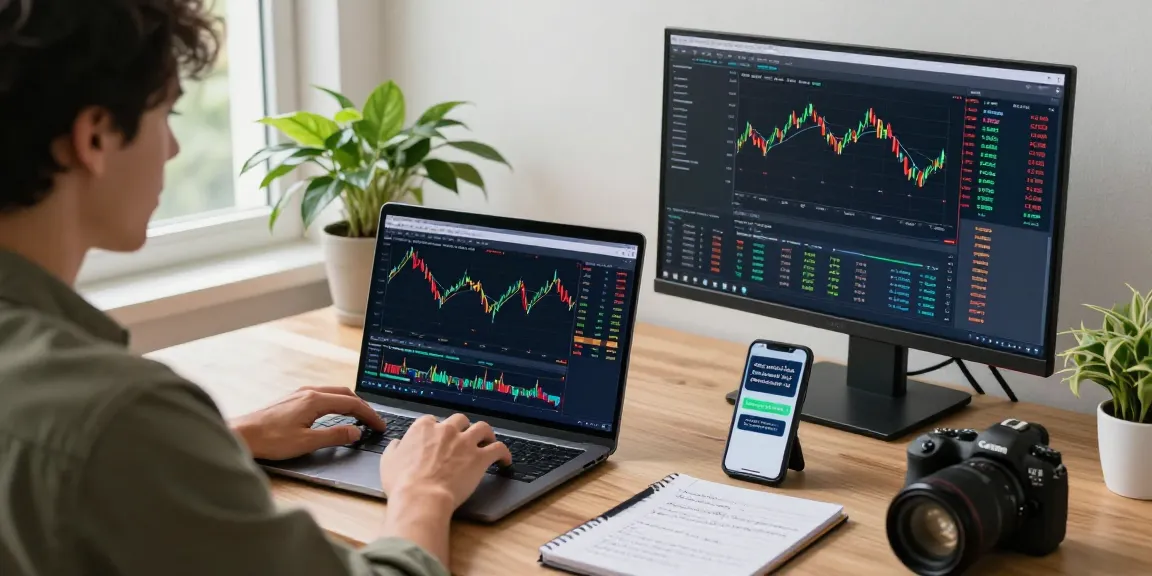
Understanding MetaTrader 4’s Core Functions
MetaTrader 4, commonly referred to as MT4, is a leading trading platform primarily designed for forex trading. Since its launch, it has gained immense popularity due to its robust features, user-friendly interface, and extensive capabilities that cater to both novice and experienced traders. On this platform, users can perform various tasks such as analyzing market trends, executing orders, and automating trading strategies through Expert Advisors (EAs). As we delve into the core functions of MetaTrader 4, it becomes clear why it remains a preferred choice among traders seeking efficiency and precision.MetaTrader 4 stands out in an increasingly competitive market due to its seamless integration of multiple trading tools and resources.
What is MetaTrader 4 and Its Key Features?
MetaTrader 4 is an online trading platform that provides a comprehensive suite of tools designed to facilitate trading in financial markets, particularly forex. One of the platform’s most distinctive features is its customizable interface, allowing traders to tailor their workspace according to individual preferences. Key components include:
- Real-Time Quotes: Access to live market prices for various currency pairs.
- Advanced Charting Tools: Multiple chart types and timeframes help traders analyze trends and market movements effectively.
- Technical Indicators: A wide array of built-in indicators (like Moving Averages, MACD, and Bollinger Bands) enable traders to gauge market conditions.
- Expert Advisors: Automated trading solutions that execute trades based on predefined strategies.
- Order Management: A comprehensive order system that supports various types of orders, including market, limit, and stop orders.
How Does MT4 Compare to Other Trading Platforms?
When evaluating trading platforms, it is essential to consider the unique strengths of each. MetaTrader 4 shines in its simplicity and effectiveness, particularly in forex trading. In contrast, MetaTrader 5, its successor, offers advanced features including additional asset classes, more timeframes, and enhanced trading operations. However, many traders still prefer MT4 for its reliability and the extensive community support that has developed over the years, providing a wealth of resources, tutorials, and shared strategies.
The Role of Charts and Technical Indicators in MT4
Charts are fundamental to trading, providing visual representations of price movements over time. MT4 features various charting tools that allow users to analyze price patterns and market trends effectively. Traders can utilize multiple timeframes, highlight relevant price levels, and apply numerous technical indicators to assist in decision-making. The ability to customize these charts further enhances the user experience, ensuring that traders can focus on the metrics that matter most to their trading strategies.
Automated Trading: Expert Advisors and Their Impact
Automated trading has revolutionized the trading landscape, allowing traders to implement strategies without the need for constant manual intervention. Expert Advisors (EAs) are a critical aspect of this automation, enabling users to set predefined trading rules that the platform executes on their behalf. This section explores the functionality of EAs and their significance in the trading process.
What Are Expert Advisors and How Do They Work?
Expert Advisors are automated trading programs that operate within the MetaTrader 4 environment. Traders can develop or purchase these EAs to implement specific strategies, analyze market conditions, and execute trades automatically. This automation allows for 24/5 trading without the emotional biases that can often affect human traders. EAs can be backtested on historical data, giving traders insights into their potential performance under various market conditions.
Best Practices for Setting Up EA in MetaTrader 4
Setting up an Expert Advisor effectively can significantly enhance trading success. Here are some best practices for configuring EAs in MT4:
- Thoroughly backtest: Before deploying an EA, use historical data to test its performance across different market scenarios.
- Optimize parameters: Adjust the settings of your EA to fit your specific trading style and risk tolerance.
- Monitor performance: Regularly check the EA’s performance to ensure it operates as intended and does not deviate from expected results.
- Stay informed: Keep abreast of market conditions that may affect the effectiveness of your EA, adjusting strategies accordingly.
Common Myths About Automated Trading and Profitability
Despite the advantages of automated trading, several misconceptions persist. A common myth is that EAs guarantee profits. While they can enhance efficiency and remove emotional decision-making, market risks still exist, and there are no certainties in trading. Traders should use EAs as a tool within their broader trading strategy, focusing on risk management and continuous learning rather than purely relying on automation for success.
User Experience: Navigating MetaTrader 4 for Success
An effective trading platform should provide a seamless user experience, enhancing traders’ ability to make informed decisions. With its intuitive interface, MetaTrader 4 allows easy navigation and a comprehensive overview of trading activities.
Reviewing the User Interface and Customization Options
The MT4 interface is designed for usability, with clear menus and navigation tools that facilitate access to essential features. Users can customize their layout, choosing which panels and tools are visible, thus creating a workspace that suits their trading style. The ability to rearrange windows and select preferred chart types enhances the overall experience, making it more intuitive for traders.
How to Optimize Your Workspace for Efficient Trading
To achieve optimal trading efficiency, consider the following tips for workspace organization in MT4:
- Use multiple monitors: If possible, employ multiple screens to monitor more charts and market data simultaneously.
- Organize charts logically: Arrange your charts in a way that aligns with your trading strategies, grouping similar assets together for easy analysis.
- Create templates: Save chart templates with your most-utilized indicators and settings for quick access in future sessions.
Addressing Common User Pain Points with MT4
While MT4 is widely praised, users sometimes encounter challenges. Common issues include platform speed, execution delays, and technical difficulties. To mitigate these problems, ensure that your internet connection is stable, and consider running the platform on a high-performance device. Engaging with the MT4 community forums can also provide solutions and insights into overcoming common obstacles.
Strategies for Effective Forex Trading with MT4
Success in forex trading relies heavily on having a well-defined strategy. MetaTrader 4 offers various tools and features that can help traders implement effective trading strategies.
Developing a Comprehensive Trading Plan
A solid trading plan outlines your goals, risk tolerance, and strategies. Consider the following elements when crafting your plan:
- Define your objectives: Specify what you aim to achieve, whether it’s daily scalping or long-term investing.
- Establish risk management rules: Determine how much capital you are willing to risk on each trade and set appropriate stop-loss levels.
- Identify trading strategies: Decide whether you’ll focus on technical, fundamental, or sentiment analysis for your trades.
Utilizing Market Signals and Alerts for Decision Making
MT4 allows traders to set up alerts based on specific market movements or technical indicator thresholds. These alerts can be vital for timely decision-making, enabling traders to react quickly to changes in the market, even when they are not actively monitoring their platforms.
Real-Life Case Studies of Successful Traders Using MT4
Numerous traders have shared their success stories attributed to using MetaTrader 4 effectively. For instance, a trader focused on breakout strategies using a combination of MACD and price action analysis reported significant gains by adhering to their trading plan and utilizing alerts to catch entry points. Such case studies highlight the platform’s flexibility and capability to support various trading styles.
Future Trends: What to Expect from MetaTrader 4 in 2026
The trading landscape is constantly evolving, and MetaTrader 4 is poised to adapt to these changes. As technology advances, several trends may shape the future of this popular trading platform.
Emerging Technologies and Their Influence on Trading Platforms
With the rise of artificial intelligence (AI) and machine learning, trading platforms like MT4 may begin to incorporate more advanced algorithms for trade execution and analysis. These technologies can enhance predictive analytics and enable more accurate forecasting, allowing traders to make informed decisions based on complex data patterns.
Forecasting Changes in User Demographics and Needs
The trading community is diversifying, with younger traders bringing different expectations and preferences. As such, MT4 may need to enhance its mobile functionality and accessibility features to ensure it caters to this new demographic. The trend toward mobile trading suggests that seamless cross-platform compatibility will be crucial in retaining users.
Preparing for Regulatory Changes Impacting Trading Platforms
As markets and trading regulations evolve, platforms like MT4 will need to adapt to remain compliant. This may include enhancing security measures, offering additional reporting features, and implementing more robust compliance protocols to meet regulatory demands. Staying ahead of these changes will be essential for maintaining user trust and confidence.
What Are the Benefits of Using MetaTrader 4 for Forex Trading?
MetaTrader 4 offers a plethora of benefits for forex traders, including its intuitive interface, extensive resources, and strong community support. Traders can access comprehensive trading tools, robust analytical capabilities, and automated trading options, all within a single platform.
Does MetaTrader 4 Offer Mobile Functionality for Traders?
Yes, MetaTrader 4 provides mobile applications for both Android and iOS users, enabling traders to monitor prices, execute orders, and manage their accounts on the go. This mobile functionality enhances flexibility and allows for better decision-making in dynamic market conditions.
Is it Safe to Use MetaTrader 4 for Automated Trading?
While automated trading can enhance efficiency, it is essential to implement robust risk management practices. MetaTrader 4 offers several safety features, including the ability to set stop-loss and take-profit levels. However, market risks still exist, and no platform can guarantee profits.
How Can I Troubleshoot Common Issues on MetaTrader 4?
If you encounter issues with MT4, a few troubleshooting strategies can help. Restarting the platform often resolves minor glitches, while checking for software updates ensures you have the latest features. For persistent issues, consulting the MT4 user community or customer support can provide additional assistance.
What Supports Does MetaTrader 4 Provide for Beginners?
MetaTrader 4 is particularly beginner-friendly, offering a wealth of educational resources, including tutorials, guides, and forums. New users can also access demo accounts to practice trading without financial risk, allowing them to familiarize themselves with the platform’s features and develop their trading skills.